cue instruction
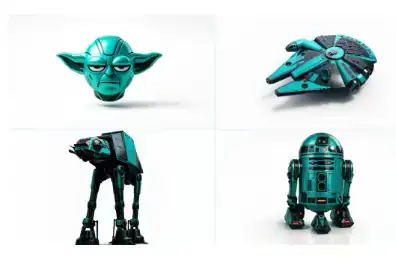
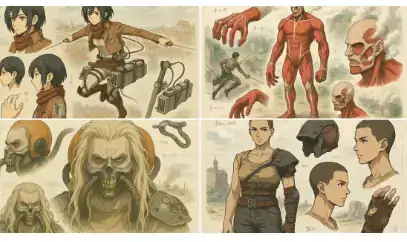
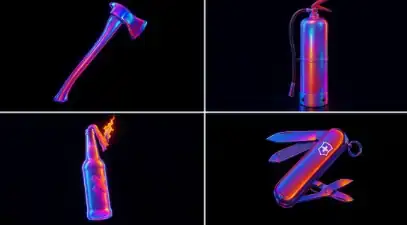
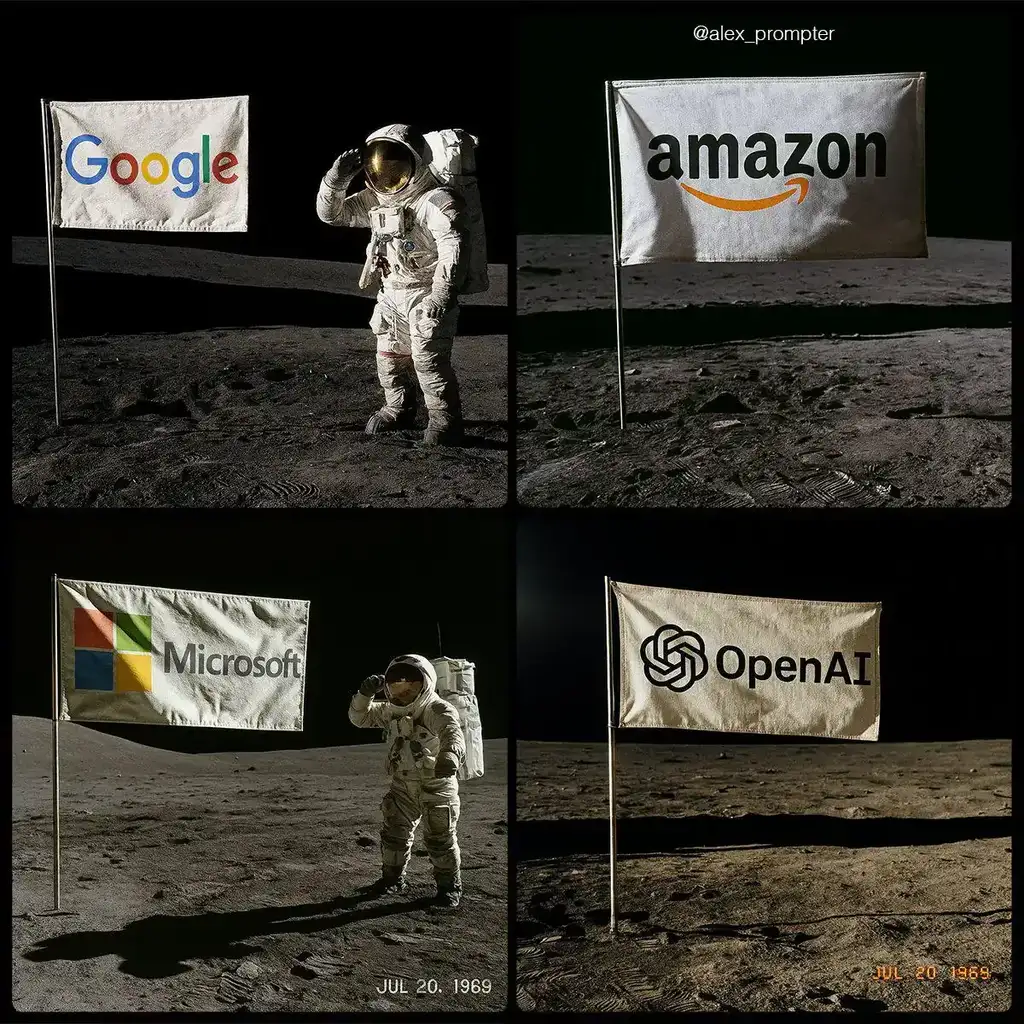
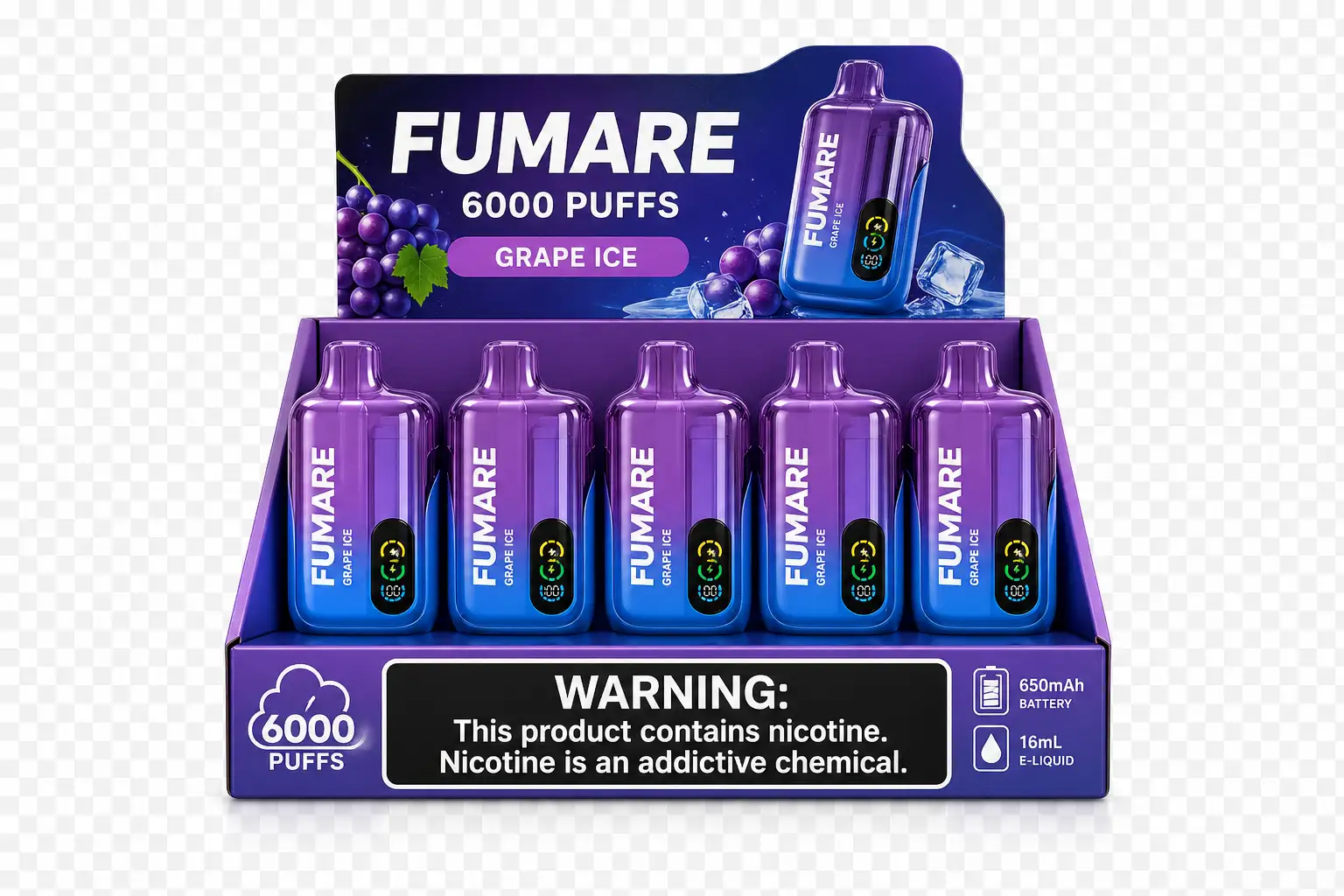
Below is the complete cue word corresponding to the current image example, which can be copied directly and then continue to modify the theme, style, frame or text content.
根据以下 JSON 对附加的图片进行重新纹理处理: { “style_name”: “透明工作室渲染”, “visual_rules”: { “form”: { “shape”: “保留原始对象形状”, “outline”: “无轮廓,使用平滑的几何过渡和斜面” }, “照明”: { “style”: “工作室风格的 3 点光照或柔和 HDRI 设置”, “highlight”: “半哑光塑料或涂层表面的细微镜面反射高光”, “shadow”: “对象正下方的柔和投影,投射在半透明地板平面上” }, “texture”:{ “surface”: “基于对象的平滑或轻微纹理,干净的着色器设置,噪点最小”, “branding”: “粗体且对比度高,被视为印刷贴花或贴纸式标签” }, :{ “material” “finish”: “半哑光或缎面着色器,模拟打印塑料或涂层材质” }, :{ “color_handling” “strategy”: “将对象的原色作为焦点”, “enhancement”: “略微提高饱和度和对比度,实现清晰的产品可视化” }, “背景”: { “type”: “完全透明(Alpha 通道)”, “shadow”: “可选的软投影正下方,使其在视觉上接地” } }, 渲染”: { “ “camera_angle”: “居中前视图或略微升高以提高尺寸清晰度”, “depth_of_field”: “中性或稍浅,以保持物体完全清晰”, “background_blur”: “无,背景保持透明” } }