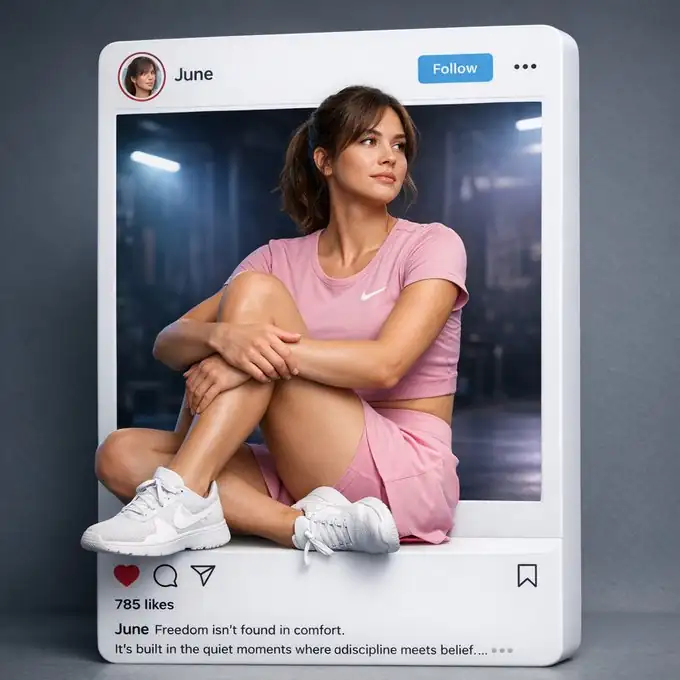
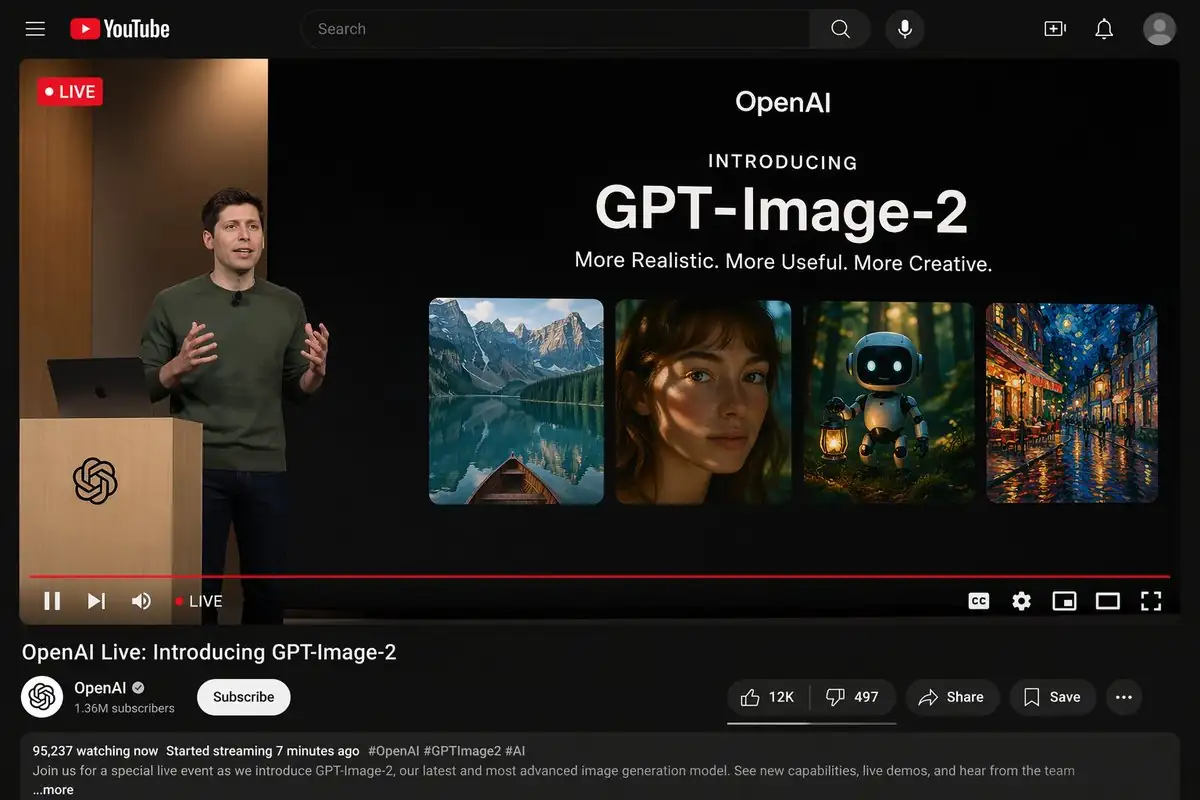
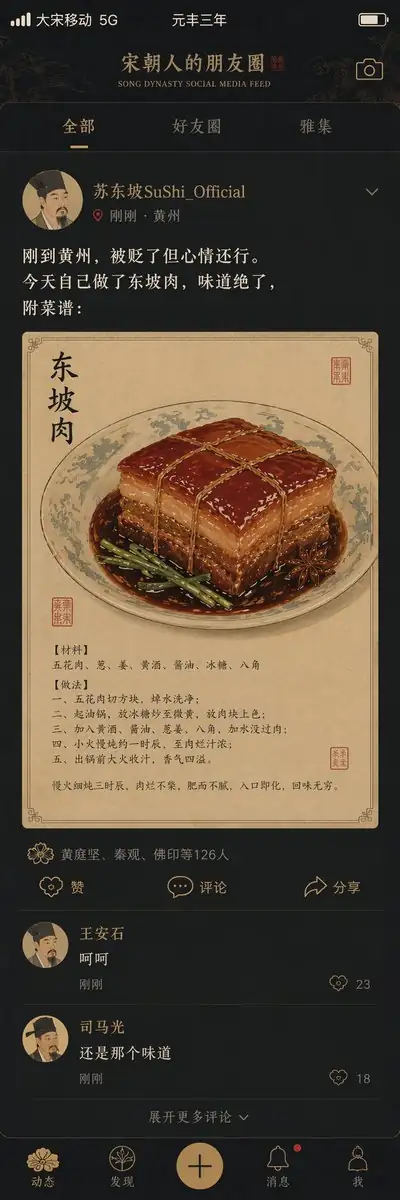
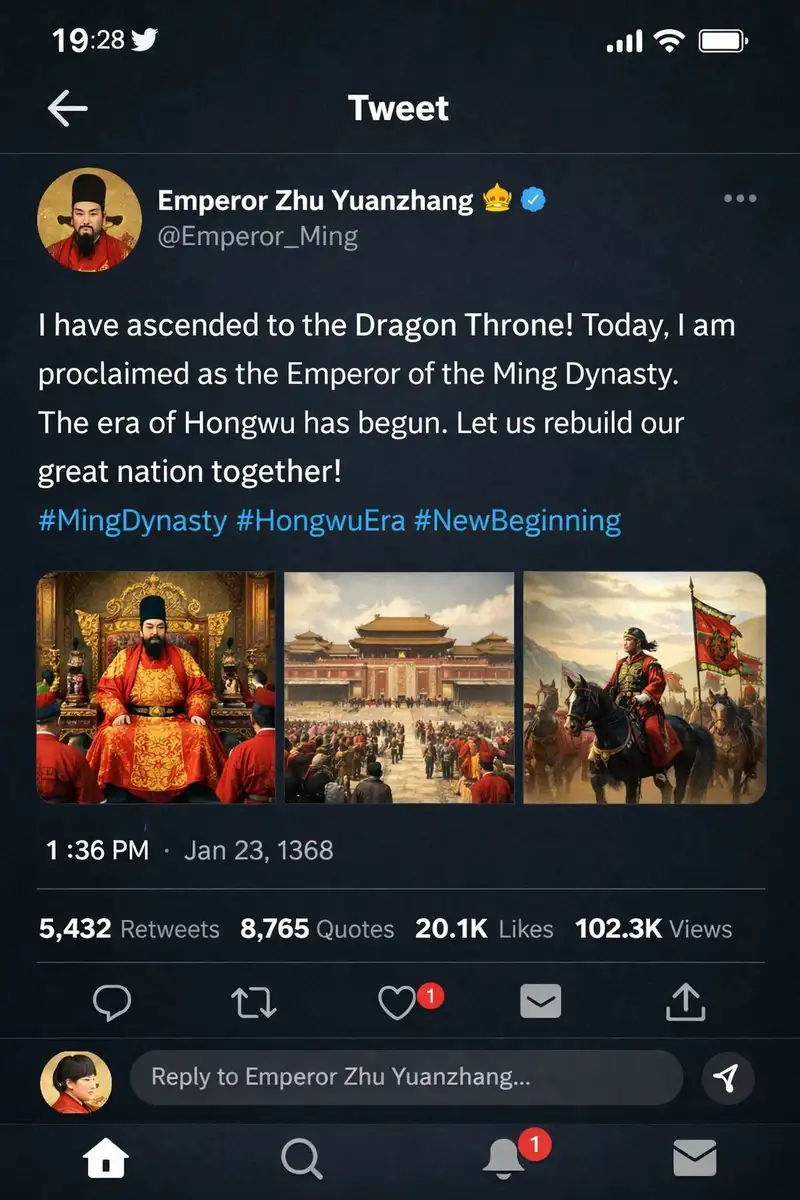
cue instruction
Below is the complete cue word corresponding to the current image example, which can be copied directly and then continue to modify the theme, style, frame or text content.
{
  "type": "live stream UI mockup",
  "subject": {
    "description": "portrait of {argument name=\"host name\" default=\"Elon Musk\"}, smiling, wearing a black t-shirt with a white technical schematic graphic",
    "background": "left side shows a screen with '{argument name=\"left background logo\" default=\"SPACEX\"}' text, right side shows a red '{argument name=\"right background logo\" default=\"Tesla T logo\"}' and a dark car"
  },
  "ui_overlay": {
    "top_header": {
      "host_info": "avatar, name '{argument name=\"host name\" default=\"Elon Musk\"}', subtext '55.6万本场点赞', red '关注' button",
      "rank_badge": "gold coin icon with '全站第1名'",
      "viewer_stats": "3 top viewer avatars with '12.3w', '8.6w', '5.7w', total '68.7万', 'X' close button",
      "right_links": "'更多直播 >', '礼物展馆 0/24' with blue '经典' tag"
    },
    "mid_left_gifts": {
      "count": 2,
      "items": [
        "avatar '科技爱好者', '送小心心', heart icon x 1314",
        "avatar '星辰大海', '送火箭', rocket icon x 666"
      ]
    },
    "bottom_left_chat": {
      "system_message": "level 37 badge '宇宙漫游者 加入了直播间'",
      "message_count": 7,
      "messages": [
        "小火箭: 马斯克!未来可期!🚀",
        "future: 特斯拉Model 2什么时候出?",
        "星空梦想家: SpaceX今年能上火星吗?",
        "AI探索者: Neuralink进展如何?",
        "帅气的网友: 马总好!",
        "Mars: 第一次来你的直播,超激动!",
        "用户123: 讲讲AI吧,会取代人类吗?"
      ]
    },
    "bottom_right_product_card": {
      "hot_tag": "orange '热卖 x 1888'",
      "image": "Tesla Cybertruck",
      "title": "{argument name=\"product name\" default=\"特斯拉Cybertruck 电动皮卡\"}",
      "price": "{argument name=\"product price\" default=\"¥ 1,618,000\"}",
      "button": "red '抢' button",
      "floating_animation": "translucent hearts floating up the right edge"
    },
    "bottom_bar": {
      "input_field": "'说点什么...'",
      "icons": ["smiley face", "three dots", "shopping cart", "gift box", "share"]
    }
  }
}
Copy the cue word
How to generate the Mask Live interface
If you want to generate a similar image of Musk's live room interface, you can keep the screen structure of this cue word before replacing the subject, scene, color, text content and use description. For different directions such as infographics, posters, covers, UI, e-commerce images, etc., the focus is to make the model clear about the screen usage, subject hierarchy and final display effect.